
Remote interviews have become a cornerstone of modern communication, whether for journalism, research, hiring, podcasting, or content creation. As conversations move from conference rooms to digital platforms, the ability to accurately capture, store, and revisit those discussions has never been more critical. Interview recording tools are no longer just convenient add-ons—they are essential instruments that ensure clarity, accuracy, and professionalism in a distributed world.
TLDR: Remote interview recording tools help professionals capture conversations clearly, securely, and efficiently across digital platforms. The best tools offer high-quality audio and video, easy transcription, cloud storage, and compliance features. Choosing the right solution depends on your goals—whether you are recording podcasts, conducting job interviews, or gathering research data. Investing in reliable recording software ultimately saves time, improves accuracy, and enhances collaboration.
Why Recording Remote Interviews Matters
When conversations happen across time zones and devices, relying on handwritten notes or memory is risky. Recording interviews ensures that:
- Accuracy is preserved: Direct quotes can be referenced precisely.
- Misinterpretation is minimized: Tone, pauses, and nuances are captured.
- Content can be repurposed: Recordings can fuel blog posts, reports, podcasts, or training materials.
- Teams can collaborate better: Stakeholders who missed the live session can review it later.
In journalism and research, recordings protect credibility. In hiring, they allow decision-makers to revisit candidate responses. In podcasting and media production, crisp recordings are the foundation of professional output.
Key Features to Look For in Interview Recording Tools
Not all recording tools are created equal. While many platforms provide basic recording capabilities, high-quality interview tools typically offer a broader feature set.
1. High-Quality Audio and Video
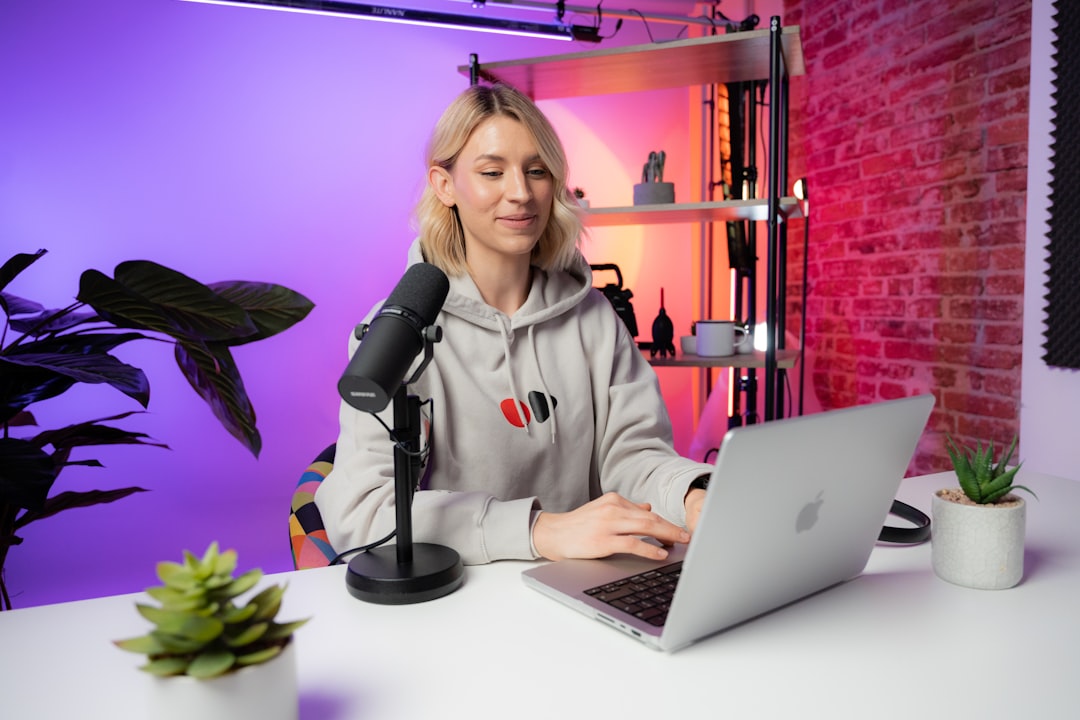
Clear audio is non-negotiable. Look for platforms that support high-definition audio, noise suppression, and separate audio tracks for each participant. Separate tracks are especially valuable during editing, allowing you to adjust levels independently.
Video quality also matters, particularly for recorded webinars, media interviews, or branded content.
2. Local and Cloud Recording Options
Cloud recording is convenient and accessible from anywhere, but local recording can provide better quality and an extra backup. Some advanced tools offer “double-ender” recording, where each participant’s audio is captured locally on their own device and then synced together.
3. Automatic Transcription
AI-powered transcription has transformed the interview workflow. Modern tools generate transcripts within minutes, making it easier to:
- Search for keywords
- Pull direct quotes
- Create summaries
- Improve accessibility
While automated transcription may require minor edits, it significantly reduces manual workload.
4. Security and Compliance
For industries dealing with sensitive information—such as healthcare, legal services, or finance—security is critical. Look for:
- End-to-end encryption
- Password-protected recordings
- User permission controls
- Compliance with regulations such as GDPR or HIPAA (if applicable)
5. Easy Sharing and Integration
Recording tools that integrate with project management systems, cloud storage platforms, and collaboration apps streamline workflows. A simple shareable link can eliminate the need for large file transfers.
Types of Interview Recording Tools
Different use cases call for different solutions. Below are the main categories of recording tools commonly used for remote interviews.
Video Conferencing Platforms with Built-in Recording
Many popular video conferencing platforms include recording options. These are convenient because they require no additional software and are easy for participants to join.
Pros:
- Familiar interface
- Immediate access to recordings
- Integrated scheduling and calendar sync
Cons:
- Compressed audio quality
- Limited editing capabilities
- Potential branding or platform watermarks
Dedicated Podcast and Interview Recording Software
Designed specifically for content creators, these tools prioritize high-fidelity audio and separate track recording.
Pros:
- Studio-quality sound
- Local track capture
- Built-in editing features
Cons:
- May require participant onboarding
- Subscription costs can be higher
Screen Recording Tools
Screen recording software is useful when interviews involve demonstrations, slide presentations, or walkthroughs. These tools capture both the screen and voice commentary.
Best for:
- Technical tutorials
- User experience research interviews
- Product demonstrations
Mobile Recording Apps
For journalists or field researchers, mobile apps allow remote interviews to be recorded directly from smartphones or tablets. While not always as powerful as desktop solutions, they provide flexibility and portability.
Best Practices for Capturing Remote Conversations
Even the most advanced recording tool cannot compensate for poor preparation. To achieve professional-quality results, follow these best practices:
Test Equipment in Advance
Encourage participants to test microphones, webcams, and internet connections before the session. A five-minute tech check can prevent major disruptions.
Use External Microphones
Built-in laptop microphones often produce echo and background noise. External USB microphones significantly improve clarity.
Record Backup Audio
Whenever possible, use a secondary recording device or enable both local and cloud recording. Redundancy protects against unexpected technical failures.
Choose a Quiet Environment
Soft furnishings help absorb sound and reduce echo. Encourage interviewees to select a quiet space with minimal background noise.
Obtain Consent
Always inform participants that the session will be recorded and obtain their consent. Depending on jurisdiction, explicit verbal or written consent may be legally required.
AI and the Evolution of Interview Recording
Artificial intelligence is redefining what recording tools can do. Beyond simple capture, modern platforms now offer:
- Real-time transcription
- Automatic speaker identification
- Sentiment analysis
- Searchable conversation indexing
- Highlight clipping and summary generation
These features turn recordings into actionable assets. Instead of scrubbing through an hour-long video, users can search for keywords and jump directly to relevant moments.
Common Challenges and How to Overcome Them
Unstable Internet Connections
Connection issues can degrade audio and video quality. Encourage participants to:
- Use wired internet connections when possible
- Close unnecessary background applications
- Position themselves close to their router
File Management Overload
Frequent interviews generate significant file volumes. Implement a consistent naming convention and centralized storage system. Cloud folders organized by date, topic, or client simplify retrieval.
Editing Bottlenecks
Editing can consume hours. Tools that automatically remove filler words, silence gaps, or background noise dramatically reduce post-production time.
Choosing the Right Tool for Your Needs
The ideal recording tool depends on your specific objectives.
For Journalists: Prioritize audio quality, reliable backups, and accurate transcription.
For Recruiters: Focus on ease of use, candidate accessibility, secure storage, and straightforward sharing options.
For Podcasters: Look for local track recording, editing dashboards, and distribution integrations.
For Researchers: Ensure compliance features, searchable transcripts, and data protection safeguards.
Before committing to a platform, consider running a trial interview to evaluate usability and output quality.
The Future of Remote Interview Recording
As remote communication continues to evolve, recording tools will become even more intelligent and seamless. Expect deeper AI integration, improved noise cancellation powered by machine learning, and enhanced collaboration features that allow teams to comment directly on recordings.
Virtual and augmented reality may eventually introduce immersive interview environments, where sessions are recorded in three-dimensional digital spaces. While this may sound futuristic, rapid innovation in communication technology suggests it may not be far away.
Final Thoughts
Interview recording tools are indispensable in today’s digital-first landscape. They preserve insight, enhance productivity, and create opportunities for content repurposing and collaboration. By focusing on quality, security, and integration, professionals can transform simple remote conversations into valuable, long-lasting assets.
Whether you are documenting stories, hiring talent, producing a podcast, or conducting in-depth research, the right recording tool ensures that no key insight slips through the cracks. In a world where conversations drive decisions, capturing them effectively is not just a convenience—it is a competitive advantage.