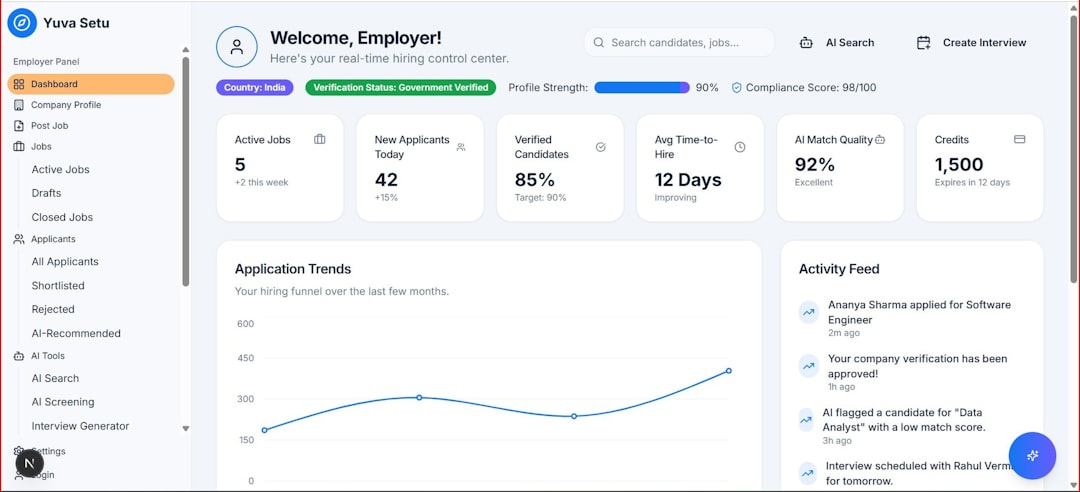

Managing time effectively has become one of the most valuable skills in modern life. Between work meetings, personal commitments, deadlines, and social events, staying organized requires more than a paper planner. Smart calendar apps have evolved far beyond simple date tracking; they now integrate task management, collaboration tools, reminders, automation, and even artificial intelligence to help users make the most of every hour.
TLDR: Smart calendar apps do more than display dates—they help users prioritize tasks, automate scheduling, and collaborate efficiently. Tools like Google Calendar, Microsoft Outlook, Fantastical, Apple Calendar, Notion Calendar, and Motion offer unique features tailored to different workflows. Choosing the right app depends on individual needs, such as automation, cross-platform access, or team collaboration. The right calendar app can significantly boost productivity and reduce stress.
Below are six smart calendar apps that stand out for their ability to streamline schedules and support efficient time management.
1. Google Calendar
Best for: Cross-platform accessibility and seamless integrations
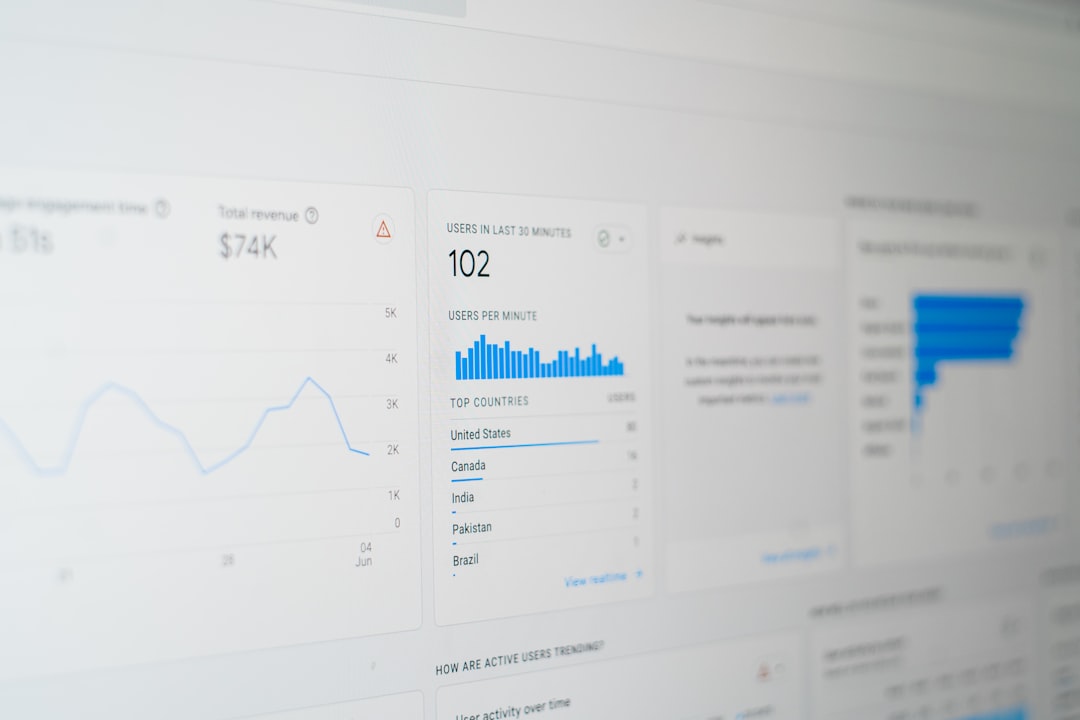
Google Calendar remains one of the most popular time-management tools, largely because of its simplicity and powerful integrations. It works across devices and integrates seamlessly with Gmail, Google Meet, and other Google Workspace tools. This makes scheduling meetings, setting reminders, and sharing calendars extraordinarily smooth.
Key Features:
- Smart scheduling suggestions
- Multiple calendar layers (work, personal, projects)
- Automatic event creation from email confirmations
- Easy sharing and collaboration
- Time zone detection for remote teams
Its color-coding system allows users to visually distinguish categories of events, helping prioritize at a glance. The “Find a Time” feature simplifies meeting coordination by displaying attendees’ availability.
Why It’s Smart: Google Calendar learns from user behavior. It suggests meeting titles, locations, and contacts while also integrating task reminders from Google Tasks. For individuals or businesses already within the Google ecosystem, it provides effortless synchronization.
2. Microsoft Outlook Calendar
Best for: Corporate and enterprise users
Microsoft Outlook Calendar is a staple in corporate environments. Integrated within Microsoft 365, it combines email, scheduling, contacts, and tasks in one unified platform.
Key Features:
- Shared team calendars
- Room and resource booking
- Meeting polls
- Microsoft Teams integration
- Advanced scheduling assistant
The Scheduling Assistant allows users to compare colleagues’ availability before sending invites. This dramatically reduces back-and-forth emails when organizing meetings.
Why It’s Smart: Outlook uses intelligent features like suggested replies and automatic reminders. For companies managing multiple departments, shared resource booking ensures meeting spaces and equipment are efficiently allocated.
3. Fantastical
Best for: Natural language input and Apple users
Fantastical is known for its elegant interface and powerful natural language processing. Users can type phrases like “Lunch with Sarah next Tuesday at 1 PM” and the app automatically schedules the event correctly.
Key Features:
- Natural language event creation
- Clean and intuitive design
- Weather integration
- Calendar sets for different contexts
- Cross-platform sync (Apple, Windows)
Fantastical also groups calendars into sets, allowing users to switch between work and personal views easily. Its sleek interface improves visibility without cluttering the screen.
Why It’s Smart: Its predictive text engine accelerates event creation while built-in time-zone support benefits frequent travelers. The app balances aesthetics with efficiency.
4. Apple Calendar
Best for: Simplicity within the Apple ecosystem
Apple Calendar offers a straightforward yet powerful solution for users deeply invested in iOS and macOS devices. Though minimalist in design, it includes intelligent features that promote seamless scheduling.
Key Features:
- Siri voice integration
- Travel time notifications
- Shared iCloud calendars
- Location-based alerts
- Automatic event suggestions from Mail
Siri allows users to create events hands-free, while travel time notifications account for commute duration based on current traffic conditions.
Why It’s Smart: Deep device integration makes syncing effortless. Updates made on an iPhone instantly appear on a Mac or iPad, ensuring users always have the latest schedule.
5. Notion Calendar
Best for: Productivity enthusiasts and project managers
Notion Calendar extends beyond traditional scheduling by integrating with task management and documentation. It connects meetings directly with notes, tasks, and databases within Notion.
Key Features:
- Bi-directional Google Calendar sync
- Meeting-to-note linking
- Database integration
- Flexible project views
- Drag-and-drop rescheduling
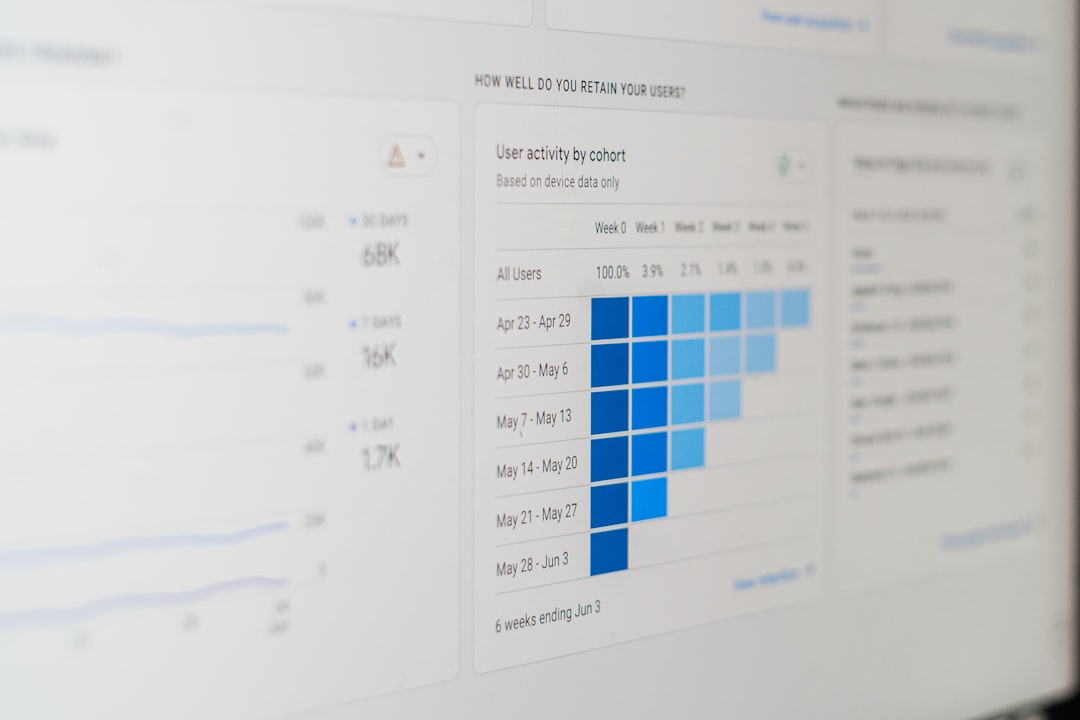
Users can visualize deadlines alongside detailed project plans, making it easier to align schedules with long-term goals.
Why It’s Smart: Unlike standalone calendars, Notion connects time management with knowledge management. Meetings, notes, and deliverables are interlinked, reducing information silos.
6. Motion
Best for: AI-powered automatic scheduling
Motion represents the next generation of smart calendar apps by using artificial intelligence to build and optimize daily schedules automatically. Instead of manually assigning time blocks, users input tasks and deadlines, and the app distributes them efficiently.
Key Features:
- AI-driven task scheduling
- Automatic rescheduling when meetings change
- Focus time allocation
- Deadline prioritization
- Team planning tools
When a new meeting appears, Motion reshuffles remaining tasks intelligently. This prevents missed deadlines and reduces planning stress.
Why It’s Smart: It removes much of the manual planning involved in productivity systems. By automating schedule optimization, it allows users to concentrate on execution rather than organization.
How to Choose the Right Smart Calendar App
Each app offers specific strengths, so selection depends on individual needs. When choosing a calendar tool, users should consider:
- Platform compatibility: Does it sync across devices?
- Integration needs: Does it connect with email, project management tools, or communication platforms?
- Automation level: Is manual scheduling preferred, or is AI optimization desired?
- Collaboration features: Are shared calendars essential?
- Design preference: Is a minimalist or feature-rich interface preferred?
A freelancer might prioritize AI-driven scheduling like Motion, while a corporate executive may rely on Outlook’s scheduling tools. A creative project manager might prefer Notion for integrating documentation and time tracking.
Benefits of Using Smart Calendar Apps
Smart calendar apps provide several advantages beyond simple scheduling:
- Improved productivity: Structured days reduce wasted time.
- Better work-life balance: Clear visibility prevents overbooking.
- Reduced stress: Automation eliminates guesswork.
- Enhanced collaboration: Shared schedules streamline teamwork.
- Data-driven insights: Some apps offer analytics on time usage.
By centralizing commitments, these apps reduce cognitive load. Users no longer need to remember every appointment manually because reminders and notifications ensure nothing is overlooked.
Conclusion
Time is one of the few truly limited resources. Smart calendar apps have transformed how individuals and teams organize their days, offering automation, real-time collaboration, and intelligent scheduling suggestions. Whether someone needs basic organization or advanced AI-powered time blocking, there is a solution tailored to their workflow.
By adopting one of these six smart calendar apps, users can transform chaotic schedules into structured plans. The result is clearer priorities, better focus, and more meaningful use of each day.
Frequently Asked Questions (FAQ)
1. What makes a calendar app “smart”?
A smart calendar app includes features like automation, AI-powered scheduling, natural language processing, integrations with other tools, and intelligent reminders that go beyond basic date tracking.
2. Are smart calendar apps secure?
Most major calendar apps use encryption and secure authentication methods. Users should still enable two-factor authentication and follow best security practices to protect their data.
3. Can these apps help with team collaboration?
Yes. Apps like Google Calendar and Outlook offer shared calendars, meeting scheduling tools, and availability tracking for efficient collaboration.
4. Which calendar app is best for personal use?
For personal use, Google Calendar and Apple Calendar are excellent due to simplicity and cross-device synchronization. Fantastical is ideal for users who appreciate clean design and natural language input.
5. Do AI-powered calendar apps really save time?
Yes. AI-powered apps like Motion automatically schedule and reschedule tasks based on priority and deadlines, significantly reducing manual planning time.
6. Can calendar apps integrate with task management tools?
Many calendar apps integrate with productivity platforms such as Trello, Asana, Notion, and Microsoft Teams, allowing tasks and meetings to stay aligned.