
Ever met a character online that made you go, “Hey, that kinda looks like me!”? That special feeling of being seen is why user avatars matter. Whether it’s for a gaming profile, a learning platform, or a health app, avatars help users feel like they belong.
TL;DR:
Designing user avatars can be a fun and powerful way to promote inclusion. But to be truly inclusive, avatars need to reflect the wide range of people using the product. Think about skin tones, body shapes, accessibility gear, and cultural features. A few good choices in your design can make a lot more people feel welcome.
What Is a UX Avatar Anyway?
A UX avatar is like a little digital version of a user. It could be a cartoon face, a realistic 3D model, or even just a symbol. These avatars show up in your profile, chat interface, or even in interactive tutorials.
They’re more than just fun. When users can customize an avatar, they feel more in control. The avatar becomes “them” inside the app. Pretty cool, right?
Why Inclusion Matters
Not everyone looks the same. Not everyone moves the same. And not everyone has had a chance to be represented. That’s why inclusivity is key.
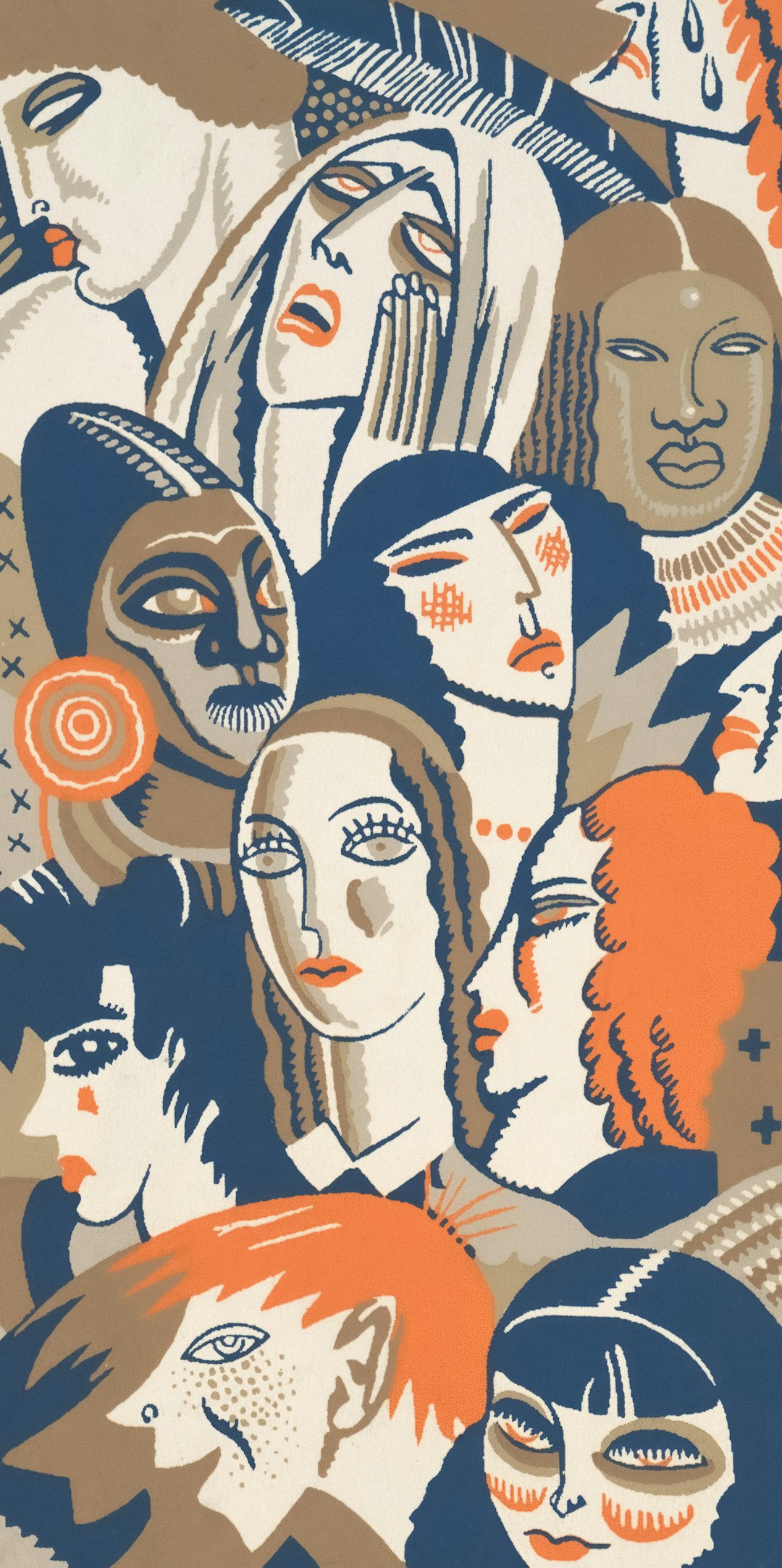
People want to see themselves—their culture, skin tone, hairstyle, body type—in your platform. It’s more than identity. It’s about belonging.
Designing for Everyone
So how do you create avatars that feel inclusive for all users? Let’s break it down.
1. Start with a Diverse Base
- Offer a variety of base avatars with different gender expressions.
- Include a wide range of skin tones—not just light, medium, and dark.
- Add hairstyle options that reflect different cultures and textures.
Tip: Don’t make one type the “default.” That sends a message that others are less normal.
2. Represent Different Body Types
- Not all bodies are slim or muscular. Include options for bigger, smaller, taller, and shorter bodies.
- Let users choose features that match their real proportions: maybe broad shoulders, narrow hips, or anything else.
Showing different body sizes helps users feel more seen and appreciated.
3. Include Accessibility Features
- Offer wheelchairs, hearing aids, prosthetic limbs, canes, or service animals.
- Make assistive options visible and customizable—not hidden.
Note: Normalize these features. They’re part of everyday life for many people. No stereotypes, please!
4. Think Beyond Gender
Gender isn’t binary. Avoid forcing users to pick just “male” or “female.” Instead:
- Allow gender-neutral or custom gender selections.
- Let users mix features freely: facial hair with makeup? Yes, please!
Freedom is power. Let people define themselves.
Culture, Clothes, and Identity
Clothing is more than style. It’s culture, religion, and personality.
- Include head coverings like hijabs, turbans, or yarmulkes.
- Make traditional fashion options available from around the world.
- Add pride gear, cultural patterns, and fun expression accessories.
The more options users have, the more stories they can tell through their avatars.
Animation Matters Too
It’s not just about how avatars look. It’s how they move and express themselves.
Tips for making animations inclusive:
- Show sign language options or adaptable gestures.
- Make sure expressions work across all face shapes and skin colors.
- Keep accessibility tools visible while the avatar is in action.
Don’t Forget Speech and Communication
Not everyone types or talks the same way. Your platform can offer:
- Voice input avatars
- Text-to-speech characters
- Symbol-based or emoji-heavy avatars for neurodivergent users
This helps more people feel relaxed and included.
Let the User Choose
Choice = empowerment. So give users lots of options, but make the process fun and not overwhelming.
Use simple flows:
- Pick a base character
- Customize face, hair, body
- Select clothes, accessories, and movement styles
Optional journeys work best: Not everyone wants to create from scratch. Offer quick-start avatars for ease.
What Not to Do
Sometimes best intentions still miss the mark. Here are a few things to avoid:
- Tokenism: Don’t just add one “diverse” option and stop there.
- Offensive stereotypes: Be careful about cultural elements. Do the research.
- Forcing categories: Let options be flexible, not boxed into labels.
Ask users, test with real people, and listen to feedback.
Examples That Got It Right
A few platforms have nailed avatar inclusion:
- Bitmoji: Wide range of styles, skin tones, religion-focused accessories.
- Google’s Emoji: Offers gender-neutral versions and skin tone choices.
- Meta Avatars: Includes wheelchairs, cochlear implants, and body diversity.
They didn’t just add features. They made inclusion part of the experience.
Getting Started With Inclusive Design
You don’t need a giant team or huge budget to start designing inclusively. Start small:
- Talk to a variety of users.
- Audit your current avatars—who’s missing?
- Create a roadmap to expand options.
Involve diverse voices at every step. Inclusion isn’t just a checklist—it’s a mindset.
The Takeaway
When users can see themselves in their avatars, they feel at home. It’s about more than cool graphics. It’s about identity, respect, and joy.
A few thoughtful touches in your avatar design can open doors for many people. It’s worth the effort—and it makes your platform a better place for everyone.