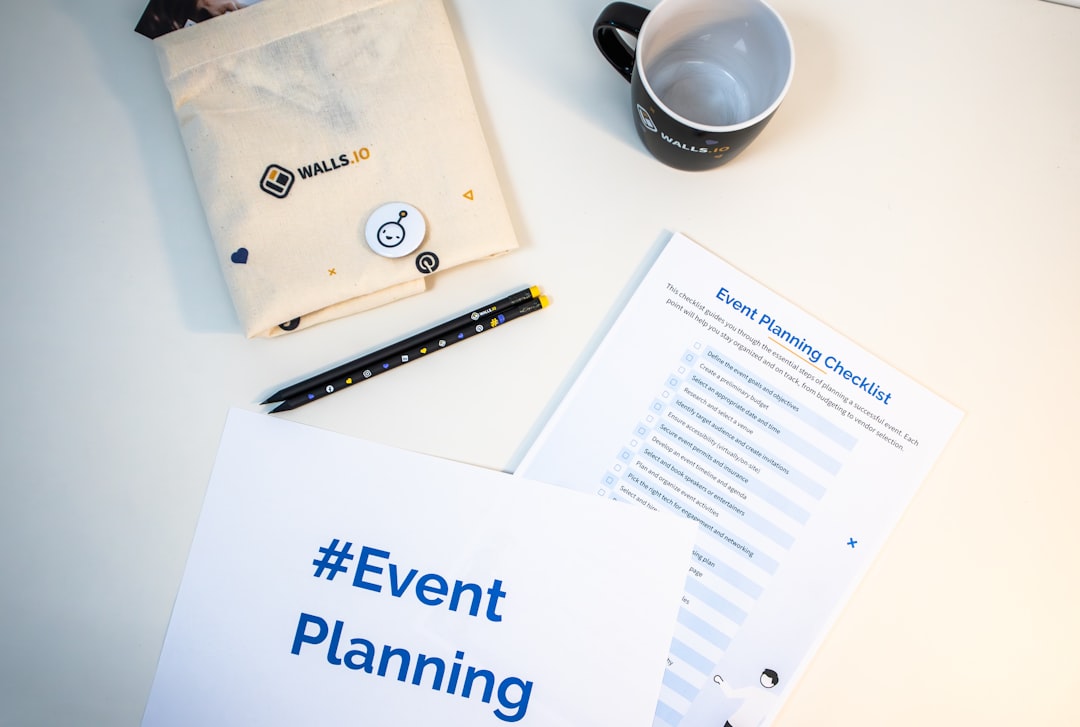

In an increasingly competitive industry like event planning, professionals need every tool at their disposal to establish credibility and build a strong presence in local markets. One surprisingly effective tool? The business card. But not just any business card—a professionally designed, custom-tailored card created using modern business card generators.
TLDR: Event planners can significantly boost their professional image and local reputation by using business card generators. These tools offer customizable templates, brand-consistent designs, and quick production, all while creating vital touchpoints in networking environments. As more clients look for trustworthy, polished professionals, a well-crafted business card can make a lasting impression. And with the right generator, even planners on tight budgets can maintain a high standard of design and function.
Why Business Cards Still Matter in a Digital Age
While the digital revolution has transformed nearly every corner of business operations, the value of physical contact remains particularly critical in industries driven by personal connections—like event planning. A well-designed business card acts not only as a point of contact but as a symbol of professionalism and preparedness. When handed over in face-to-face meetings, at expos, or during vendor collaborations, a business card enables a physical reminder of your brand and services.
For event planners aiming to break into or fortify their place in a local market, credibility is key. A sleek business card stands as an instant proof point of the planner’s commitment to their craft. More importantly, it reflects their sensibility around detail—something local clients will always value.
What Business Card Generators Can Do
Modern business card generators go beyond basic layout tools. These platforms allow for:
- Easy brand alignment through color schemes, logo uploads, and font selections.
- Template libraries tailored to industry aesthetics, including sleek, modern styles ideal for event planning.
- Print and ship services or downloadable PDFs for local printing.
- Quick updates to contact info or services without starting from scratch.
Popular tools like Canva, Vistaprint, Moo, and Adobe Express have intuitive interfaces that let event planners create beautiful cards in minutes—even without design experience. This accessibility empowers new entrants into the industry to present themselves with the level of polish typically associated with well-established planners.
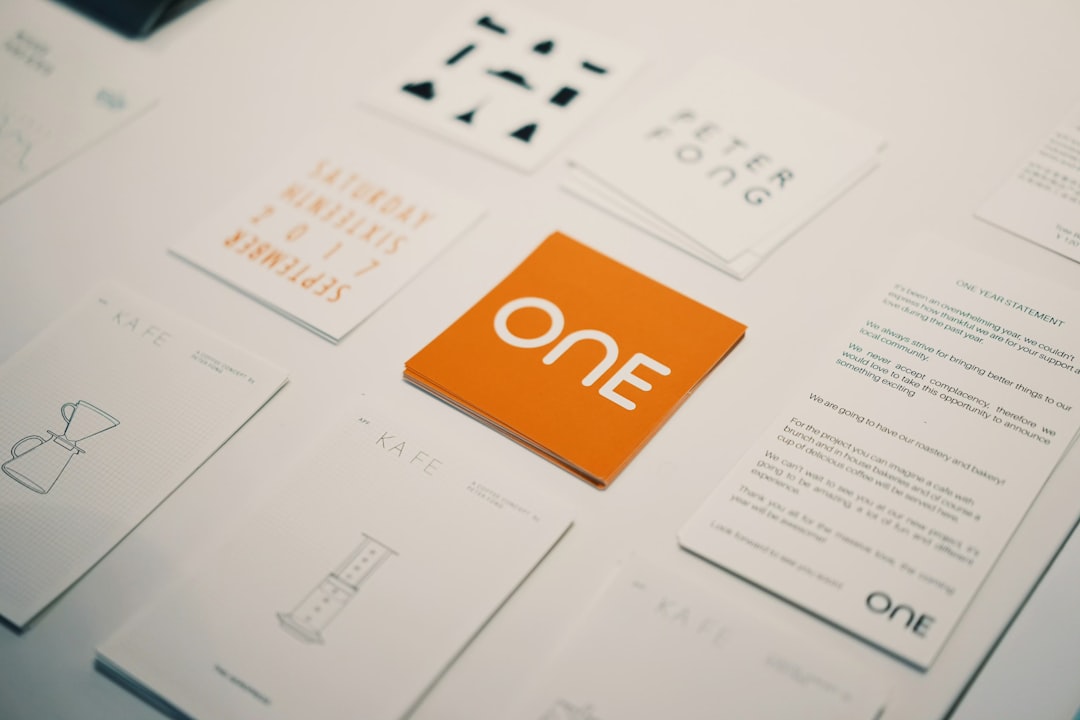
Key Benefits for Event Planners in Local Markets
1. Establishing Trust Locally
When moving into a new market or solidifying your presence, the first interaction often determines whether someone will consider you a professional. A thoughtfully designed business card signals reliability, something especially important for local clients who value long-term relationships and word-of-mouth recommendations.
2. Seamless Brand Recognition
Every interaction is a branding opportunity. When the palette, typography, and tone of your business card match your event decor, logo, website, and social media, you create a unified image that increases brand recall. Business card generators help maintain this consistency by offering customization tools that mirror your broader branding plan.
3. Convenience at Networking Events
Whether it’s a wedding expo, local business mixer, or charity gala, event planners are constantly meeting potential leads. Having a stack of updated business cards ensures they never miss an opportunity to make a connection. With custom QR codes now available in most card generators, planners can also direct prospects straight to an online portfolio or booking page.
Choosing the Right Generator for This Industry
Not every platform will suit the unique demands of an event planner. When shopping around, look for the following features:
- Rich template selections customized for creative industries.
- High-resolution file exports for professional printing.
- Eco-friendly printing options which can reflect positively in local, eco-conscious markets.
- Ability to implement QR codes, web links, or social media handles.
Some platforms even integrate with CRM systems or allow you to save multiple versions of a business card—perfect for freelance event planners juggling multiple brand identities or side projects.

Success Stories: Credibility in Action
Consider Mia, an event planner in Austin, Texas, who used a business card generator to create three versions of her card—one for weddings, another for corporate events, and one for community fundraisers. Each card had the same overall branding but different taglines and highlights tailored to each target market. Within six months, she saw a 35% boost in client inquiries attributed solely to cards handed out at public gatherings and bridal shows.
Or take Jayden, a newcomer in Buffalo, New York, who moved cities and needed to build a client base from scratch. Instead of investing heavily in online ads, he created cards featuring a unique design, local iconography, and a QR link to his Instagram highlights. Within the first two weeks, he garnered four new consultations, all from networking events where his business card made a lasting impression.
Practical Tips for Event Planners Using Card Generators
1. Keep It Clear and Simple
Avoid overcrowding the card. Stick to your name, business name, phone/email, and a brief tagline. QR codes can do the heavy lifting of linking to your portfolio.
2. Invest in Quality Materials
If printing through a generator’s partner vendors, choose high-gloss or textured finishes to reinforce quality. A flimsy card can cheapen even the best design.
3. Match the Card to Your Business Personality
If you specialize in luxury weddings, use fonts and colors that ooze elegance. Doing intimate backyard parties? Go playful and casual. The card should represent the vibe you bring to events.
4. Refresh Occasionally
Even as your business evolves, your materials should too. Update your business cards at least once a year to reflect changes in contact info, services, or brand identity.
Integration with Broader Marketing Strategy
Using a business card generator shouldn’t just be a design task—it should be part of a broader visibility strategy.
- Pair business cards with good social media presence so curious leads can research your work in real-time.
- Include them in mailed thank-you packets after client meetings.
- Use them as part of gift bags or event swag to reach beyond your direct interactions.
With the affordable power of card generators, planners can turn these small tools into major opportunities for market growth and client trust.
Conclusion
For event planners seeking to make a mark in their local markets, credibility begins with the small details. Business card generators offer a fast, professional, and affordable way to ensure every exchange you make leaves a lasting impression. With thoughtful design and integration into wider marketing efforts, these simple tools become powerful assets in crafting a trusted brand presence.
Frequently Asked Questions (FAQ)
- How much do business card generators cost?
Many offer free templates and downloads. Premium features, such as advanced design tools or high-quality printing, typically range from $10 to $50 per order. - Can I include a QR code on a business card?
Yes. Most modern card generators offer this feature, allowing you to link directly to your portfolio, calendar, or social media. - What design is best for event planners?
A minimalist design using brand-aligned colors, an elegant font, and a small decorative accent works best. Always reflect the kind of events you specialize in. - What size should my business card be?
Standard U.S. business cards are 3.5 x 2 inches. Most generators use these dimensions by default. - Are digital business cards better?
Digital cards are great supplements, but physical cards offer personal touch during events and networking—making them invaluable in the event planning industry.